
Download PhotoBitzz – Photo Editing, Collage Maker, Image Layout, Photo Gift, Personalized Collage
Overview
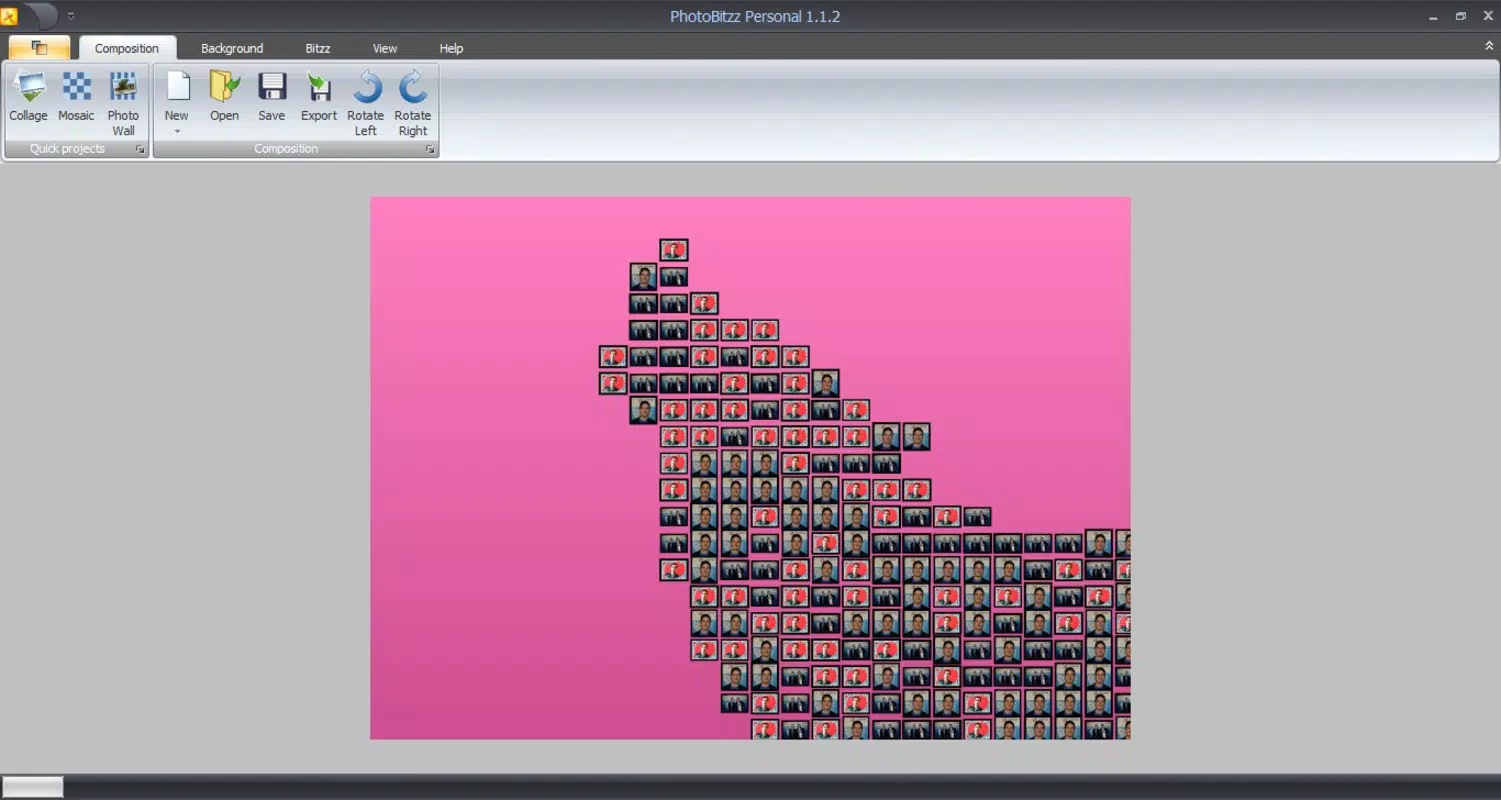
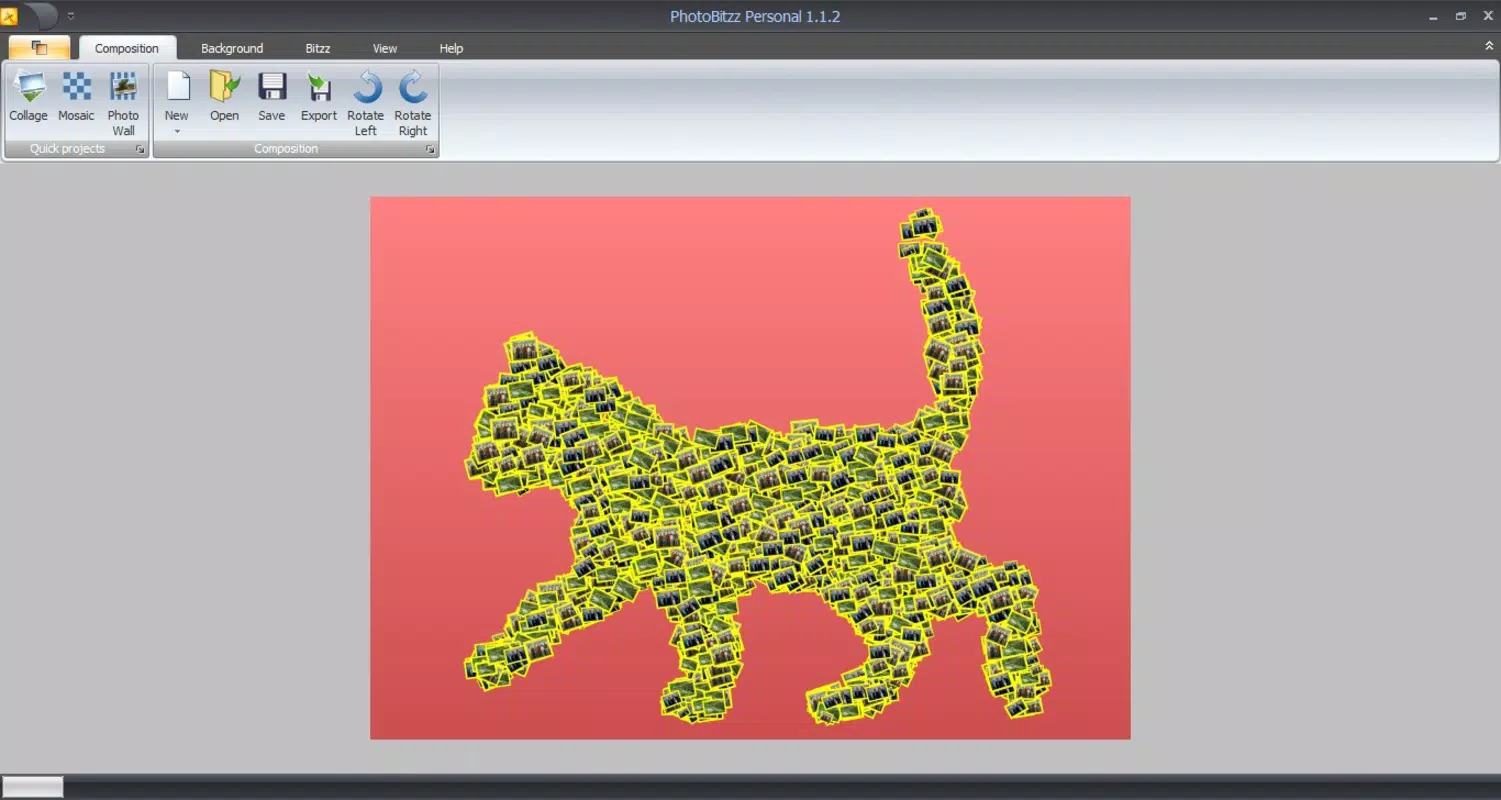
PhotoBitzz is a photo-editing tool designed to help users create collages using images stored on their computers. The application serves as a dedicated utility for individuals seeking to combine multiple photos into visually engaging layouts with minimal effort. By offering over 60 preset designs, PhotoBitzz simplifies the creative process, making it accessible to users of all skill levels. Whether used for personal projects, social media content, or thoughtful gifts, the app enables users to produce polished, customized collages quickly.
Target users include hobbyists, content creators, and anyone looking to enhance digital memorabilia. The app’s focus on layout diversity and customization features positions it as a practical tool within the productivity and creative software ecosystem. While the developer, PhotoBitzz, has not provided additional background details, the app’s longevity since its release on August 14, 2013, suggests a stable and enduring presence in the niche of desktop photo editing tools. Real-world use cases include creating birthday tributes, anniversary keepsakes, or visual stories for family albums. Its ability to support background color selection and independent frame editing adds depth to the design process, allowing users to tailor the final output to specific themes or occasions.
Key Features & Functionality
- Diverse Layout Options: With over 60 preset layouts, users can choose from a wide range of designs that suit different photo combinations and creative goals. Each layout offers a unique arrangement of image placeholders, enabling users to match their content with the ideal structure.
- Custom Background Colors: Users can select and apply background colors that complement their photos and overall design aesthetic. This feature enhances visual cohesion and allows for creative expression, whether aiming for a bold contrast or a subtle, elegant tone.
- Independent Frame Editing: The ability to edit frames separately from images gives users full control over the outer appearance of their collages. This functionality supports tailored design choices, such as adjusting frame thickness, color, or style, without altering the internal image placement.
- Intuitive Drag-and-Drop Interface: The user interface supports seamless image integration through drag-and-drop functionality, reducing the learning curve and enabling fast workflow execution. This feature is especially beneficial for users who prioritize speed and ease of use.
- Personalized Gift Creation: The app’s output is ideal for crafting meaningful, custom gifts. Users can compile cherished memories into visually appealing collages suitable for printing or sharing digitally, adding sentimental value to personal and family occasions.
These features collectively support real-world scenarios such as assembling vacation snapshots into a single visual story, designing greeting cards, or preparing photo displays for events. The modular nature of each function ensures that users can focus on specific aspects of design without being overwhelmed by complexity.
Interface, UX & Performance
PhotoBitzz features a clean and straightforward user interface that emphasizes usability and accessibility. The layout is organized to prioritize core functions—layout selection, image placement, background customization, and frame editing—ensuring that users can navigate the app with minimal friction. Visual cues and consistent placement of tools contribute to a smooth user experience, particularly for beginners.
Navigation is linear and intuitive, allowing users to progress through the collage creation process in a logical sequence. The drag-and-drop mechanism functions reliably, supporting quick image insertion and repositioning. Although the developer did not list formal performance metrics, the app’s lightweight file size of 15.8 MB suggests efficient resource usage, which may contribute to stable operation across various Windows systems.
Responsiveness is consistent during typical use cases such as switching layouts, applying color changes, or adjusting frame settings. Stability appears to be maintained under normal conditions, though no detailed information on crash rates or long-term performance was provided. The app’s simplicity likely contributes to its enduring functionality, even on older or lower-spec systems.
Platform Compatibility & Technical Requirements
PhotoBitzz is designed for the Windows operating system. The app is available in version 1.0.0.0 and has a file size of 15.8 MB. It is offered at no cost, making it accessible to a broad user base. The developer did not specify minimum OS requirements or compatibility details beyond the platform, so users should ensure their system meets standard Windows 7 or later specifications for optimal performance.
Given the app’s release date in 2013, it may function on older Windows versions, but compatibility with newer systems cannot be confirmed without additional documentation. Users are advised to verify system requirements through official channels if available. The app does not require internet access for core functionality, which enhances its usability in offline environments.
Pros and Cons
Pros
- Over 60 preset layouts offer diverse creative options.
- Custom background colors enhance visual customization.
- Independent frame editing allows for detailed design control.
- Simple drag-and-drop interface ensures ease of use.
- Free to download and use with no in-app purchases.
Cons
- Developer did not provide detailed technical specifications.
- Compatibility with newer Windows versions is not confirmed.
- Limited to Windows platform; no support for macOS or mobile devices.
- No cloud integration or export format variety was mentioned.
- App has not been updated since 2013, raising concerns about modern security and support.
FAQ
Is PhotoBitzz safe to download and install?
Yes, the app is free and available through official channels. However, users should ensure they download from trusted sources to avoid modified or bundled versions.
Can I use PhotoBitzz on my mobile device?
PhotoBitzz is designed for Windows desktop systems and is not available on Android or iOS devices. There is no mobile version currently offered.
What file formats does PhotoBitzz support?
The app supports common image formats such as JPEG, PNG, and BMP. Specific format details were not provided by the developer.
Does PhotoBitzz require an internet connection?
No, the app functions entirely offline. Internet access is not needed for core editing or layout creation.
How often is PhotoBitzz updated?
The last update was released in 2013. The developer has not issued any updates since then, so users should be aware of potential compatibility or security limitations on modern systems.
Final Thoughts
PhotoBitzz remains a reliable tool for users seeking a straightforward way to create personalized collages on Windows. Its extensive layout library, customizable backgrounds, and frame editing capabilities deliver tangible value for creative projects and sentimental keepsakes. While the app’s lack of recent updates and platform limitations are notable drawbacks, its simplicity and free availability continue to make it a viable option for desktop users who prioritize functionality over modern features.
Those who value ease of use, visual customization, and offline operation will find PhotoBitzz particularly beneficial. Whether crafting a birthday tribute or assembling a family memory board, the app empowers users to produce meaningful visuals with minimal effort.
Download PhotoBitzz now


